01 / RECOMMEND
Start with your style
Tell the app your rank, role, preferred color, and how you like to take fights. Get a useful first recommendation instead of scrolling a random list.
Crosshair X Pro is the iOS crosshair app for players who want less guesswork. Answer a few quick questions, preview the shape, and find a setup that fits your rank, role, and playstyle.


A crosshair should feel familiar before it feels flashy. Crosshair X Pro gives you a focused iPhone workflow for discovering, comparing, and refining the setup you will actually keep.
Tell the app your rank, role, preferred color, and how you like to take fights. Get a useful first recommendation instead of scrolling a random list.
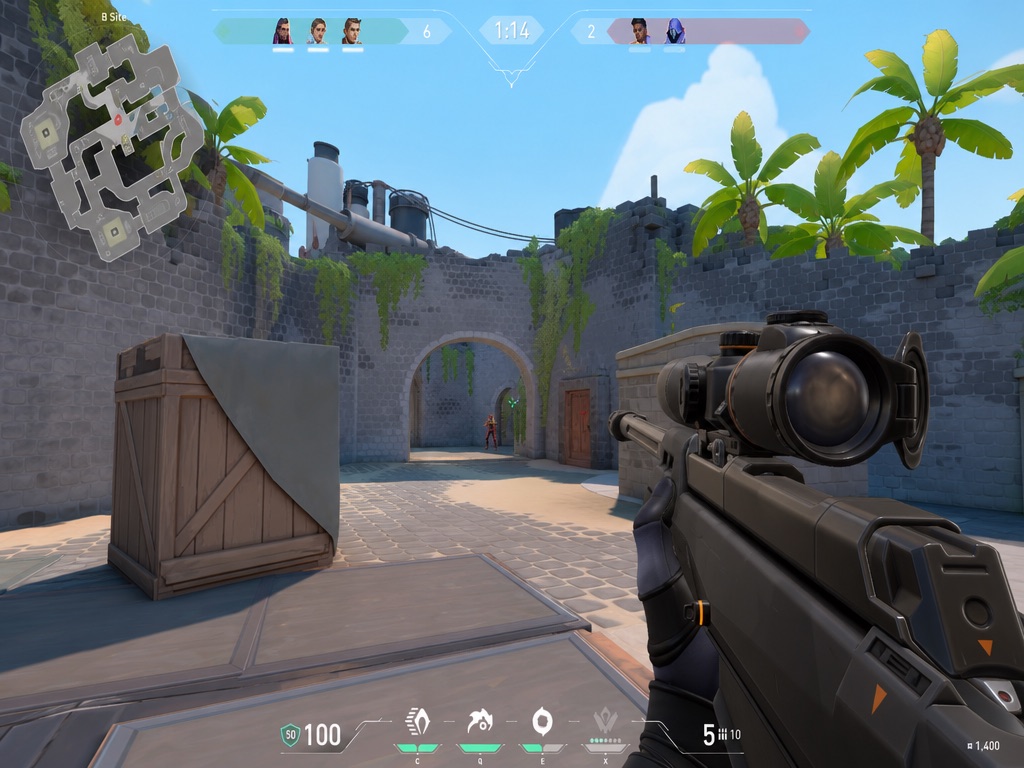
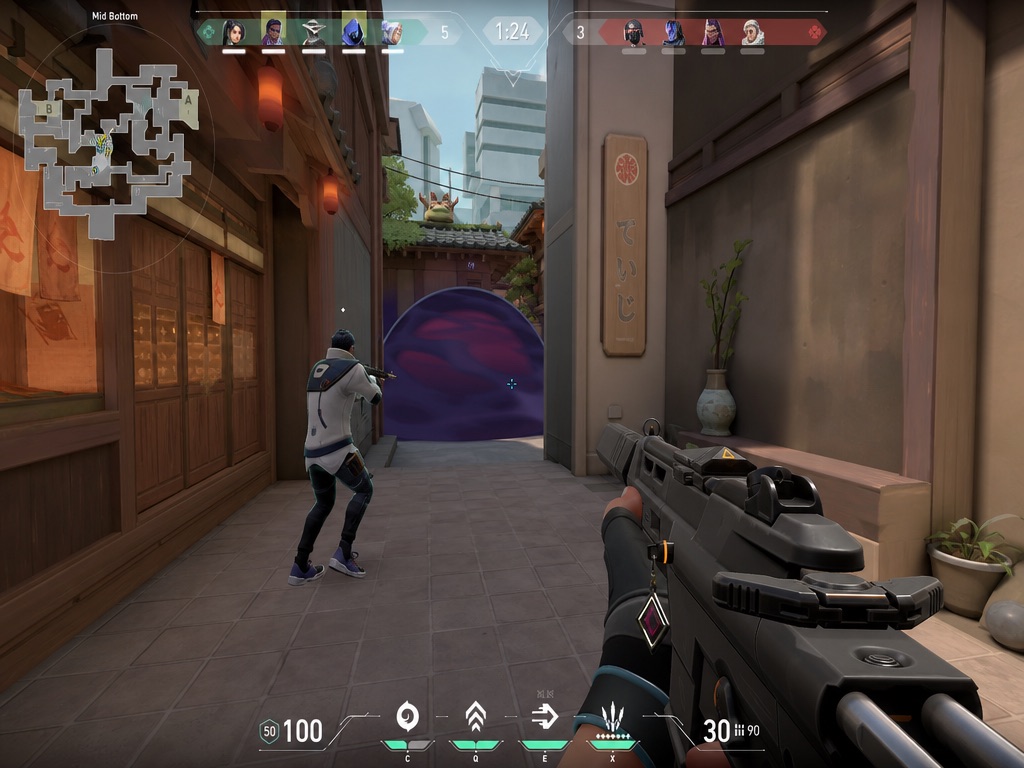
Preview size, gap, thickness, outlines, and colors live over a real game scene.
Filter featured presets by rank, style, and category. Save the ones worth returning to.
Try the same path you will use in the app. Your answers update the preview and surface a focused preset.

A sharp, visible line setup for players who take space first and need a reliable center.
Open in Crosshair X Pro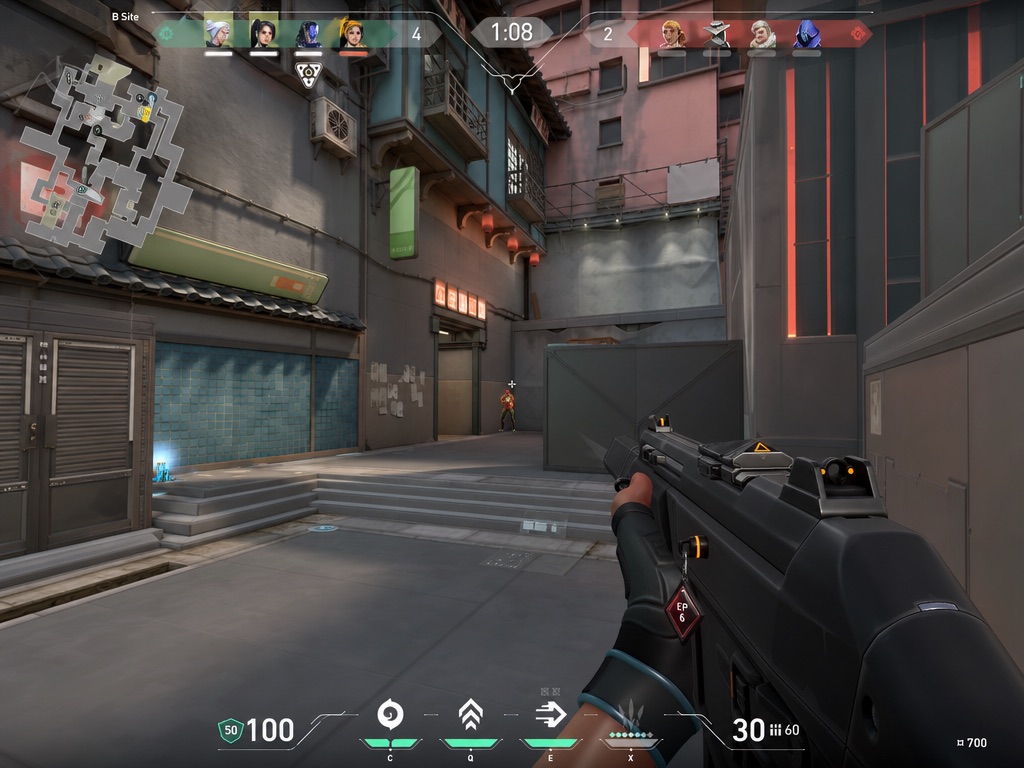
Three small steps. A much better baseline.
Start on iPhoneChoose a rank, role, playstyle, and color preference. Your first recommendation appears in seconds.
Compare line length, thickness, gap, center dot, outline, and error behavior against a real scene.
Favorite a preset, keep a clean library, and copy your setup when you are ready.
Crosshair X Pro is built for that exact search: a lightweight iOS crosshair generator and aim setup helper with ranked presets, live preview, and a clean library. No desktop download. No account maze. Just a faster way to find a crosshair that feels natural.
Practical starting points for iPhone players who are comparing apps, tuning a new crosshair, or moving through ranked.
Convert sensitivity, calculate eDPI and cm/360, train reaction and tracking, and check display settings.
Explore toolkit ↗ ORIGINAL ANALYSIS / NEWOfficial-source monitoring plus original analysis of changes that affect aim, visibility and player settings.
Read analysis ↗ DOWNLOAD / IPHONECheck iOS compatibility, what is included, and the fastest way to install from mobile or desktop.
Download guide ↗ FREE TOOL / LIVEMake a custom crosshair, adjust color, lines, thickness, gap, dot and outline, then test it on five game scenes.
Open tool ↗ FREE TOOL / SIZEConvert pixel span into millimeters, screen percentage, and estimated display density.
Open tool ↗ GUIDE / IPHONEWhat iOS allows, what App Store tools actually do, and which alternatives are useful.
Read guide ↗ GUIDE / 01Use a practical checklist for previews, presets, saving, pricing, and honest iOS limitations.
Read guide ↗ GUIDE / 02Color, gap, line length, dot, outline, and the settings that change readability.
Read guide ↗ GUIDE / 03A simple baseline from Iron through Radiant without pretending one preset fits everyone.
Read guide ↗ GUIDE / CODECopy cleanly, import safely, and fix invalid or game-specific crosshair codes.
Read guide ↗It is available to download free for iPhone and requires iOS 17.0 or later. It is currently not verified for macOS.
Yes. The library includes ranked recommendations from Iron through Radiant, along with tactical and minimalistic styles.
Yes. Tune color, inner and outer lines, center dot, outlines, opacity, thickness, and error behavior, then preview the result live.
The app is free to download now. Optional in-app purchases cover Pro export and code copy features.
Download Crosshair X Pro from the App Store and start building your setup.
 On desktop? Scan with your iPhone camera.
 Crosshair X ProAvailable nowDownload now