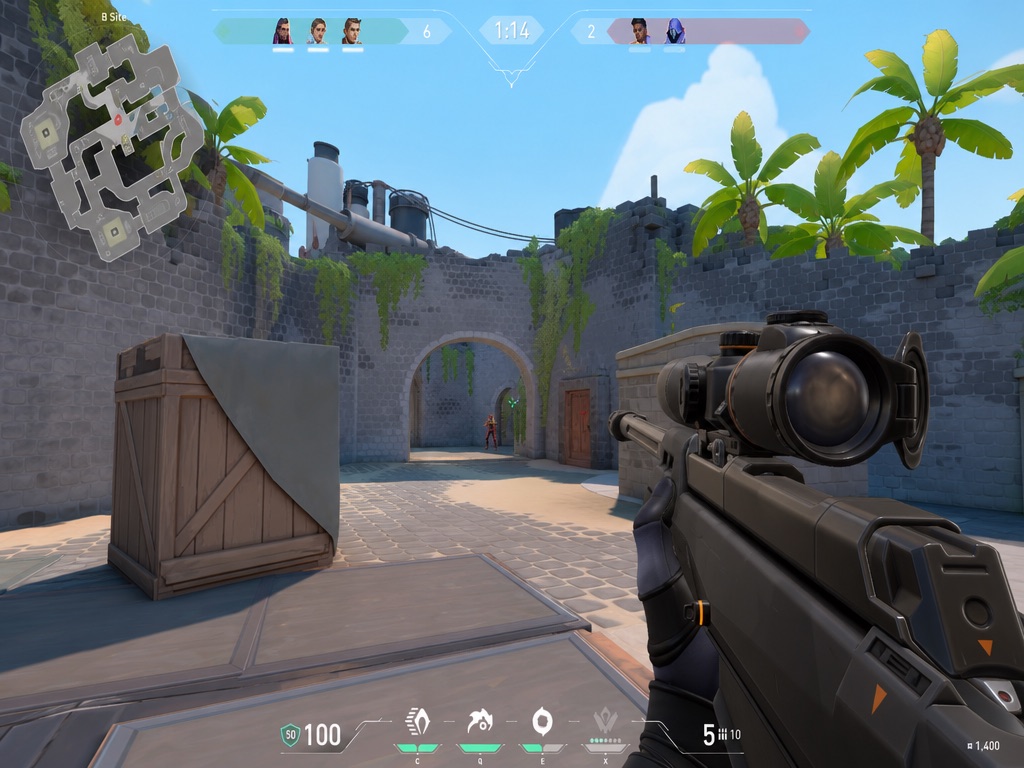
The short answer
A normal iPhone app cannot draw an arbitrary, persistent crosshair above a separate game in the same way that an Android overlay permission or a desktop always-on-top window can. If an App Store listing uses the word overlay, read the feature description carefully: it may mean an in-app preview, an image editor, a guide, or settings you transfer into the game.
It helps you recommend, design, preview, save, and copy crosshair settings. It does not claim to place a floating reticle over every other iPhone game.
Why iOS behaves differently
Apple requires apps to be self-contained and restricts them from reading or writing outside their designated container. Apple also limits background services to intended categories such as audio, location, calls, and task completion. Together, those rules prevent the general-purpose "draw over any app" model familiar to many Android users.
You can read the current wording in Apple's App Review Guidelines, sections 2.5.2 and 2.5.4 .
Does Picture in Picture change this?
Picture in Picture can keep supported video or FaceTime content visible while another app is open. It is not a general overlay permission and is not designed as a transparent crosshair layer. Apple's own Picture in Picture guide describes the supported video-window behavior.
What an iPhone crosshair app can still do well
- Preview color, gap, thickness, line length, outline, and center dot.
- Compare a reticle against bright, dark, warm, and visually busy scenes.
- Organize presets by rank, role, playstyle, or visual style.
- Save favorites and keep notes about settings that felt readable.
- Copy or remember values for games that provide their own supported crosshair controls.
These tasks happen inside the crosshair app. The final step happens inside the game, using whatever settings or import method that game officially provides.
Choose the tool for the actual job
| Your goal | Useful option |
|---|---|
| Keep a crosshair above any iPhone game | Do not assume a normal App Store app can provide a universal overlay. |
| Find a readable shape and color | Use a preview and recommendation app, then apply supported settings in the game. |
| Understand physical size on your phone | Use the free mobile crosshair size calculator below. |
| Compare visual settings quickly | Use the browser generator, then save the final setup in the iPhone app. |
Build the setup, then take it to iPhone
Crosshair X Pro combines ranked recommendations, focused presets, live previews, favorites, and copy-ready settings in an iPhone workflow. Available now on the App Store.
Get it on the App Store