The official Crosshair X Pro download
Crosshair X Pro is available to download free from the Apple App Store, and is available now. It is designed for players who want a focused way to compare crosshair settings before using a game's supported settings or import flow.
The app does not promise an unrestricted overlay above every iPhone game. It provides recommendations, previews, presets, favorites, and a generator inside the app, so you can make a clearer choice and carry supported settings into your game.
Use the QR code in the download section below. It opens the same official App Store listing on your iPhone.
Compatibility before you download
| Detail | Availability |
|---|---|
| Status | Available now |
| Availability | Available now on the App Store |
| Device | Designed for iPhone |
| System | iOS 17.0 or later |
| Download size | 12.6 MB |
| App languages | English and Simplified Chinese |
| Account | No account required |
| Price | Free with optional Pro purchases for Pro features |
| Google Play | Not available yet |
The website is available in additional languages so players can check the product before downloading. The current app interface itself is available in English and Simplified Chinese.
What is included now
- A short recommendation flow based on rank, role, playstyle, and preferred color.
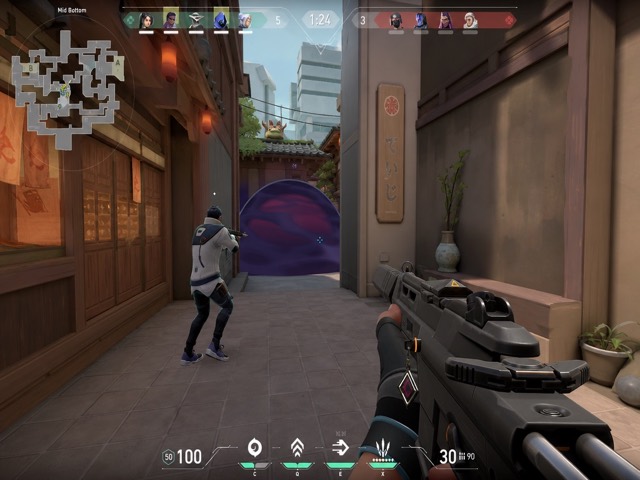
- Live previews that place the crosshair over real scenes instead of an empty panel.
- Ranked, tactical, minimal, role-based, and color-focused presets.
- Controls for inner and outer lines, length, thickness, gap, opacity, center dot, outline, and error behavior.
- Favorites for keeping the settings you want to compare again.
Optional Pro purchases unlock code copy and export features. The App Store purchase screen is the authoritative place to review current regional pricing before buying.
How to download on iPhone
- On iPhone, tap the App Store button below. On a computer, scan the QR code with the iPhone Camera app.
- Confirm the US listing name is Crosshair X Pro: Aim Bot; localized storefront titles can differ.
- Tap Get and complete Apple.s download flow.
- Open the app after the download finishes.
Continue to the App Store
iPhone visitors open the listing directly. Desktop visitors can scan the QR code without typing a URL.
 On desktop?Scan with your iPhone camera.
Common download questions
Is this a crosshair overlay for every iPhone game?
No. Normal App Store apps cannot provide the same unrestricted always-on-top behavior found in some desktop and Android tools. Crosshair X Pro helps you design and manage settings that you use through a game's supported controls.
Is there an Android download?
Not yet. Android visitors can still use the free browser tools and guides, but the current app download is for iPhone only.
Can I use the website before installing?
Yes. The free browser generator can help you compare visual settings, and the size calculator can compare physical crosshair scale. The iPhone app adds the focused recommendation flow, full preset library, favorites, and mobile workflow.
